
Retreatment
What If My First Round of TMS Didn't Work? Retreatment, Protocol Adjustments, and Honest Next Steps
A first course that didn't land isn't the end of the road — what to change, and what the numbers realistically say.
A quick tour of your account and what each part does — the best place to start.
Instead of a blank "contact us" box, patients answer a short set of questions — how they're feeling, whether they've been diagnosed, what they've already tried, their age, and a few safety questions.
Everything they tell you becomes plain information on their record — "diagnosed: yes," "tried two medications" — and where they came from is captured automatically. Then the right follow-up sends itself: a welcome with their result, a reminder before the consult, a check-in after, gentle nudges for anyone not ready, and a nudge if someone doesn't show.
Not everyone takes the quiz. Some fill in a quick patient enquiry form, and other clinicians can refer patients through the provider referral form. Both land in the same system as the quiz — each one sorted and labelled the same way — so your team works one queue, not three.
This sorts enquiries — it doesn't diagnose, and never pretends to. Anything borderline goes to you, never an automated yes-or-no. A clinician always makes the call.
Emails start immediately. Texts switch on once your clinic clears the carrier registration every US business needs for automated texting — usually one to three weeks.
Your website, your Google Ads account, your domain, and your patient data — all yours, and you keep them if you ever leave. Everything runs on HIPAA-compliant infrastructure, with a Business Associate Agreement signed before any patient information moves through it.
Every enquiry becomes a card on your Opportunities board, and it moves along one column at a time as the patient works through your journey — from first enquiry through the consult, evaluation and verification of benefits, to treatment. It's the one screen that shows you where everyone actually is.
One thing worth knowing up front: when a card is moved to Disqualified, it disappears from the board on purpose. The person isn't deleted — they stay in Contacts with their full history — but the default view only shows people still in play, so anyone ruled out doesn't sit there dragging your numbers down. The full definition of every column is in the PDF below.

See what we're working on, follow progress and find your shared files — all in one place.
Open Basecamp
A first course that didn't land isn't the end of the road — what to change, and what the numbers realistically say.

Accelerated and ONE-D protocols make a single trip realistic. Flights, timing, lodging, and handing care back home.
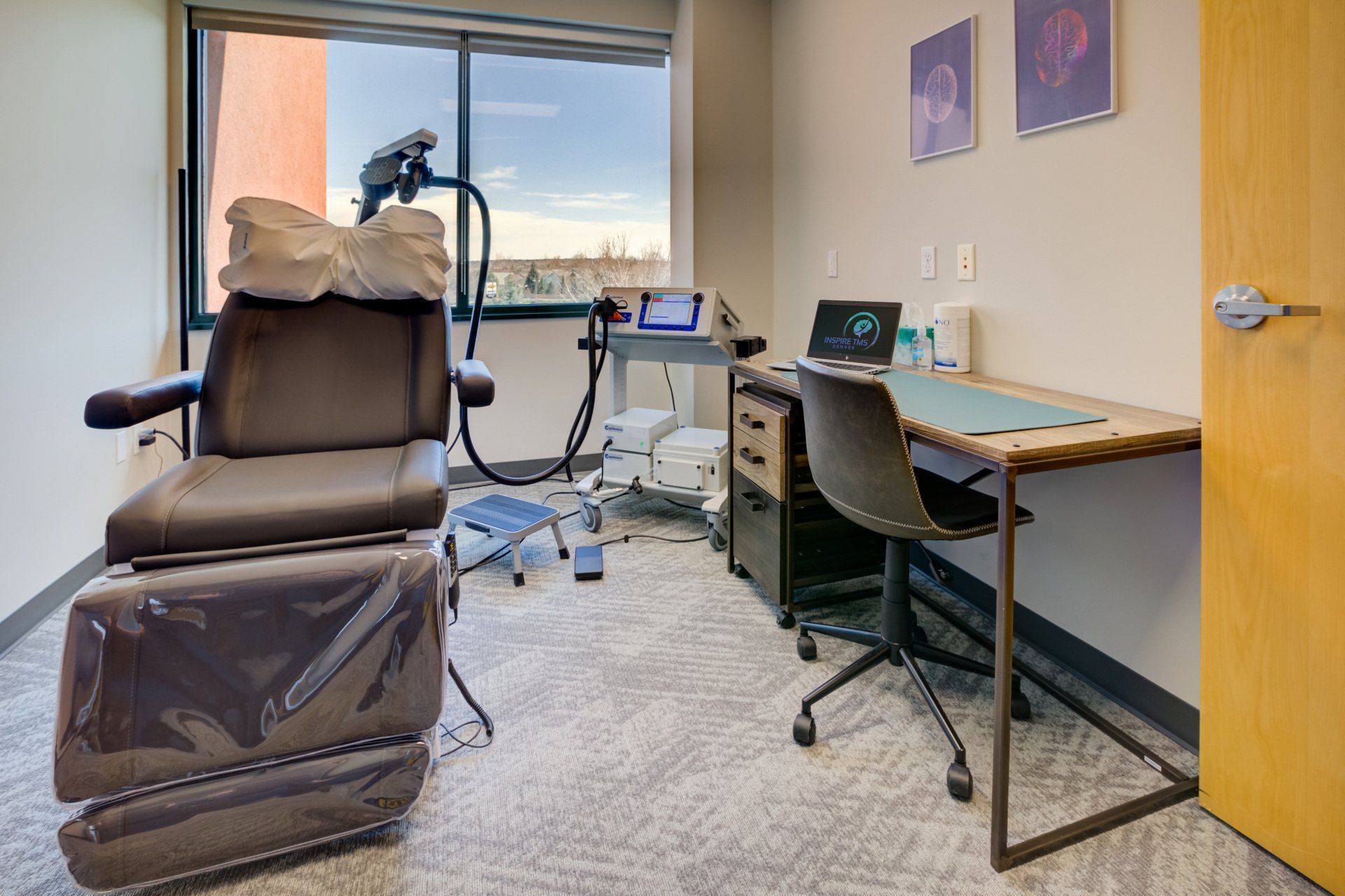
How OCD treatment differs from depression treatment, what response and remission mean, and Inspire's own figures.
Your point of contact is Leo at BuildForLeads. The quickest route is your dedicated Slack channel — tap Message your team above. For anything else, email [email protected].
In your Dashboard — it's in the menu on the left. This page is your home base; the Dashboard shows your live enquiries, consults booked, new patients and everything still in progress.
Live. Your Dashboard and reports refresh automatically as patients come in and move through your pipeline — there's nothing for you to update.
In the menu on the left. Open Contacts or Opportunities to see each lead and their full intake, and Conversations to message them directly.
Slack messages are usually answered the same working day. Anything urgent gets flagged straight to your contact.

Got a question? Slack is fastest — usually answered same day.